Recently, I decided to upgrade my 1st Gen 11” iPad Pro (64GB – WiFi Only) to the newest iPad Pro. There is still a good trade-in value on that 1st Gen so I decided to get an upgrade. Plus, I want to experiment more with alternative workstations. Remember when I talked about generalization vs specialization? I want to test that thought and see how much I can accomplish with the iPad as a workstation.
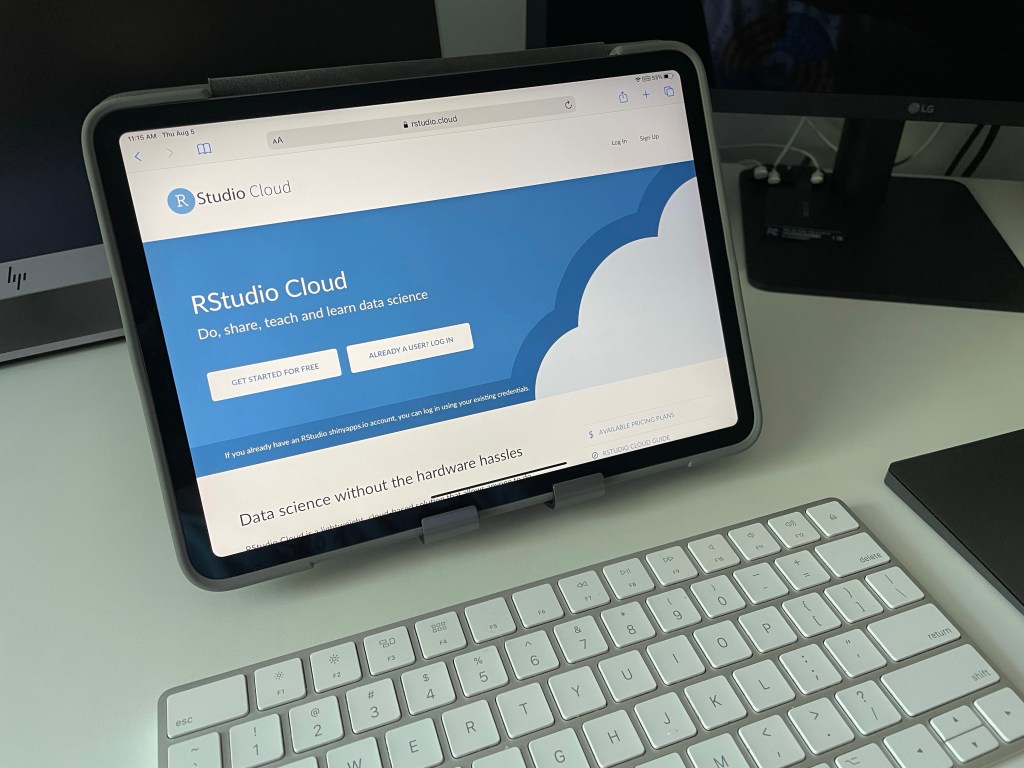
That’s the general layout with the 11” model. The keyboard is the standard Apple Magic Keyboard and the other input is the Magic Trackpad 2. They work well but the keyboard seems to get choppy at times. I might upgrade that one as well (Keychron, maybe?).
Decisions
In deciding what model I wanted, I use the size of the screen as a determining factor. Since I have the 11”, that leaves the 12.9” as the only viable option for more screen-estate. That large screen should work well.
Now that the 12.9” model is chosen, what about storage/RAM and Cellular (no engraving)? I have read that the models with storage <1TB have 8GB of RAM. The rest have 16GB of RAM. As intriguing as that is, price is definitely a factor. 1TB is above my budget so 8GB it is!
Looking through the storage options, the jump from the base model to the 256GB is $100. The jump to the 512GB model is another $200. That is getting scary as the price difference grows! I feel comfortable spending a little bit more but not to where it starts to hurt. 256GB will do just fine (especially considering that 11” iPad Pro only has 64GB).
Cellular is a nice option but it is a $200 feature. The monthly service fees on top make it even more painful. With previous iPads, I have never needed a cellular connection. My phone is near me most of the time when away from home. Further, there is rarely a time when I cannot get good WiFi (remember, always use a VPN). I even have a hotspot if options are not available. There are plenty of connection options so the WiFi only model is plenty good.
Once the order was placed, it did not take too long to receive the new iPad. Still, the waiting is the hardest part (thank you, Tom Petty). Taking it out of the delivery packaging, I basked in its presence for a few moments.

Visual Reaction
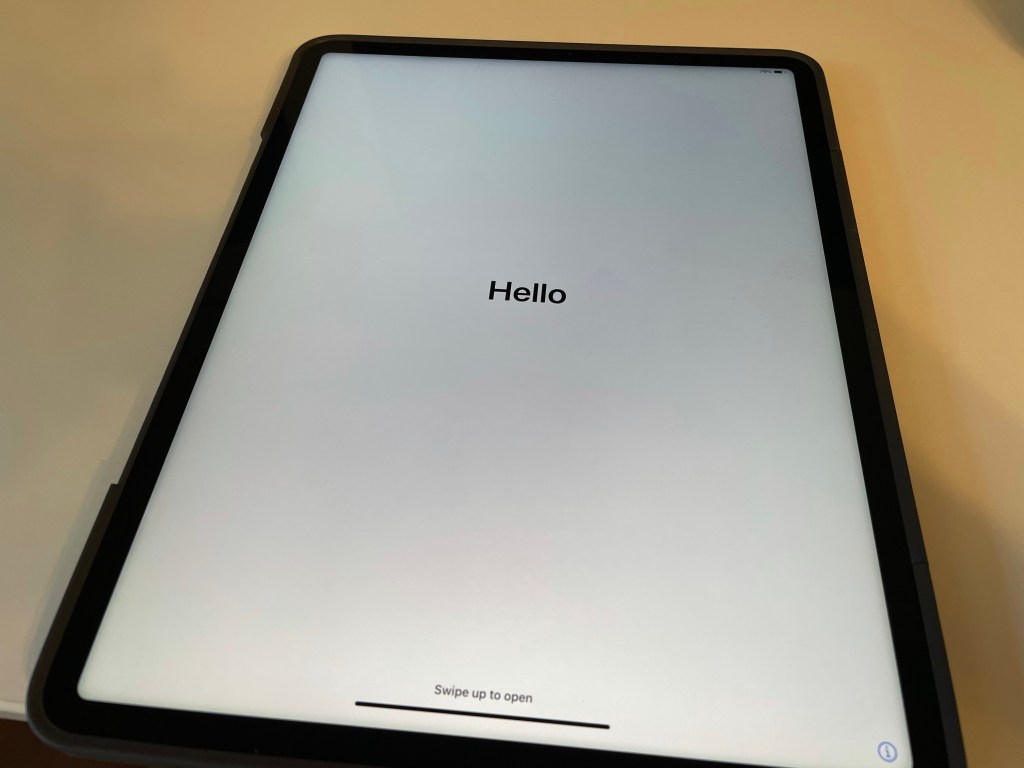
Now that the device is configured, ordered, received, and opened how is it? Initial reactions are eye opening for me. I want screen estate and I certainly have it now! Just look at the glorious “Hello” screen welcoming me to a new and profound experience:
I will not bore you with detailed comparisons, but a quick side-by-side view will not hurt. Take a look at the big screen next to its older family member:
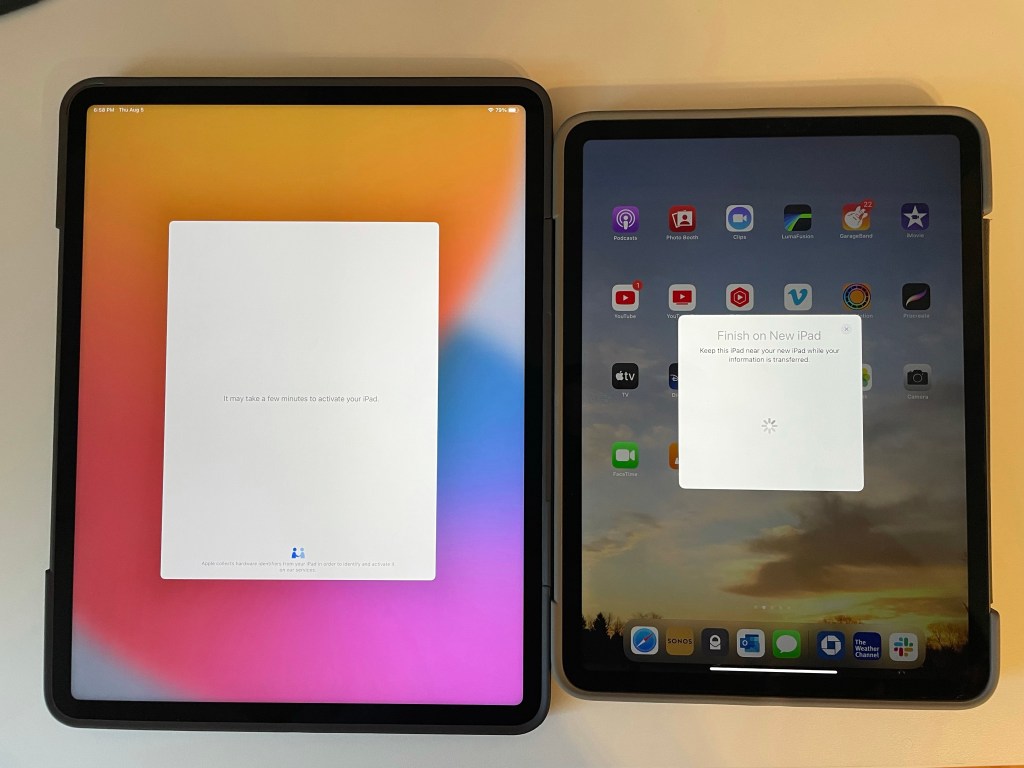
That is quite a difference in surface area! No more shrinking UI components to get it to fit on the screen.
Case
As you can tell, I already have the newly welcome device in a case. It is an Otterbox Symmetry 360 Elite Case. I tend to be nervous about the times I might drop my devices so I try to get a strong case.
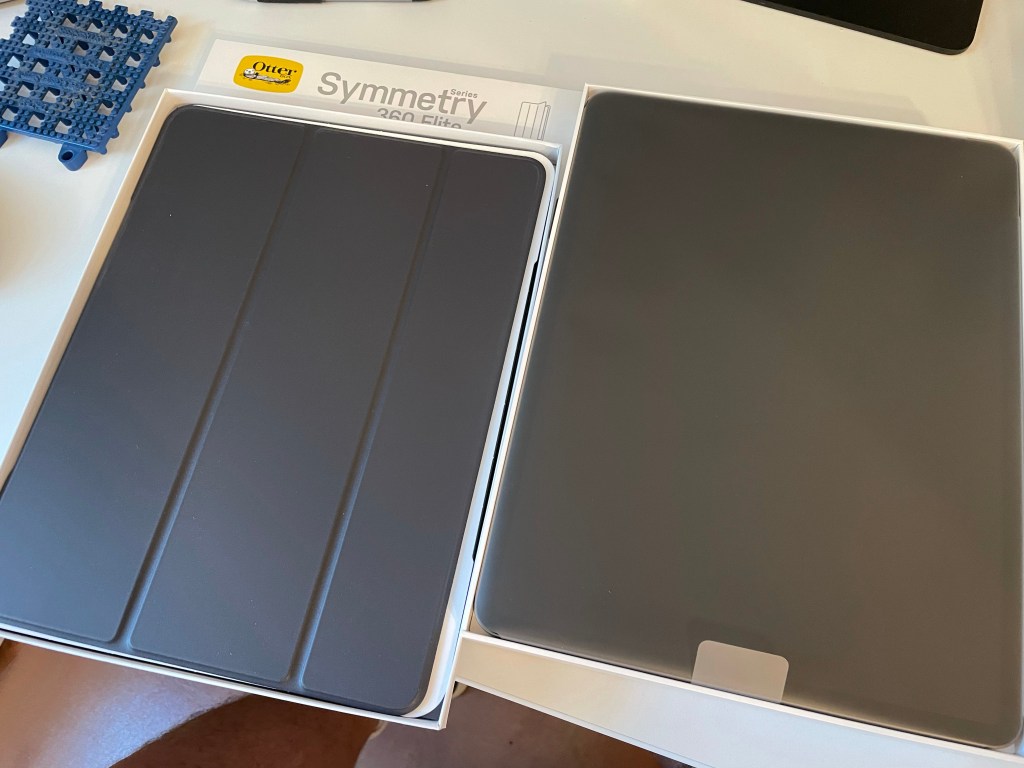
There are pluses and minuses to this case. The biggest plus is that the case is durable. The feel is thick but should provide good protection. This also has good grip to keep it secure during use.
My first minus is the lack of a locking closure. The previous model I have for the 11” had a magnetic flap. This version does not. That is not a big minus but I might look for one with a secure closure.
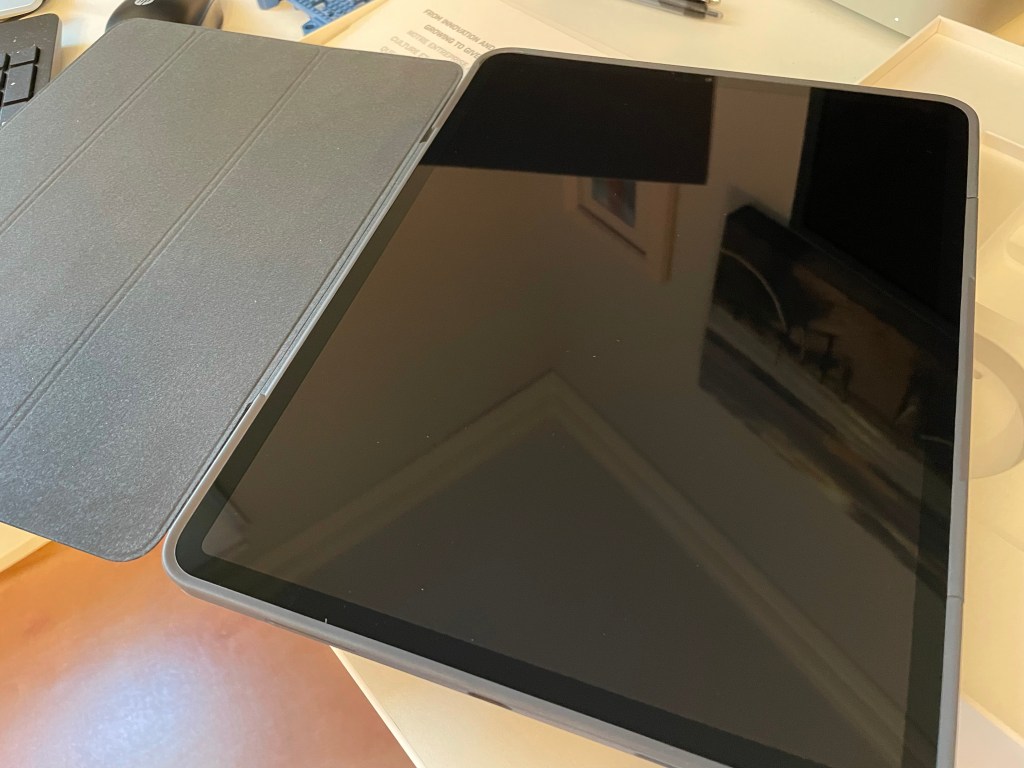
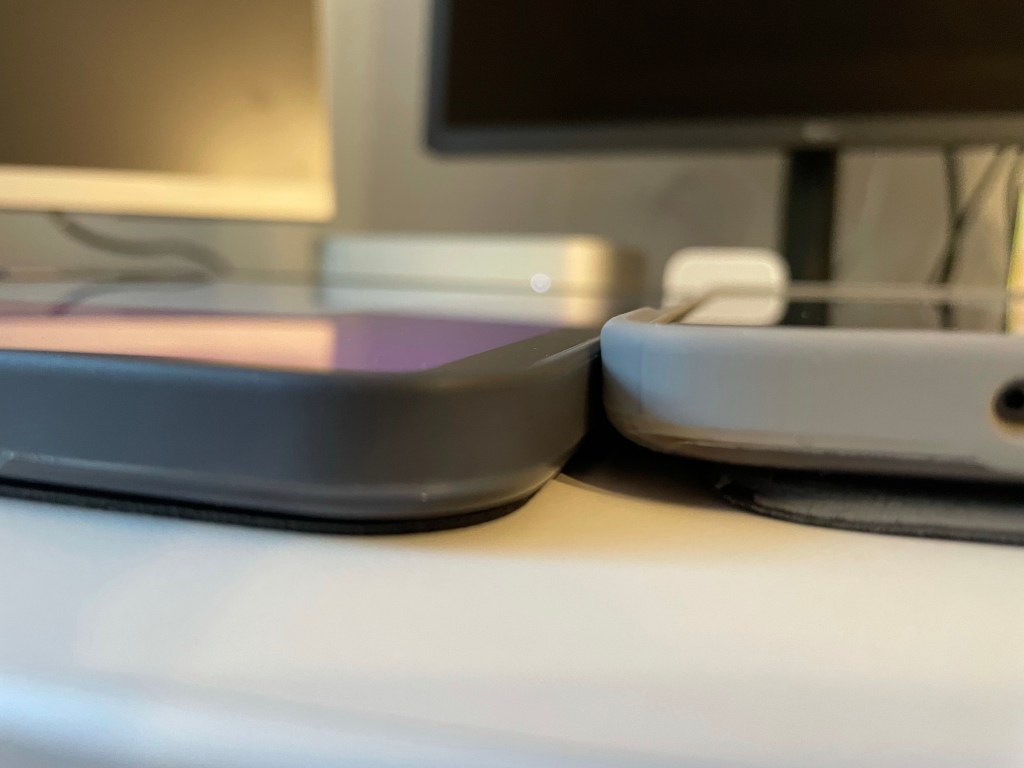
Another minus is the thickness. It does seem necessary to get a bit more padding than the average case. Comparing the thickness from my previous setup, it’s pretty close.
Thoughts on Performance and Future Posts
Performance is a topic all on its own. There are plenty of articles and videos out there to give you that info. My first reaction, though, of “how does it react and feel” is that it is a pretty powerful device. I’ll follow-up later with posts on more performance thoughts as I start having fun with different apps/games.
Also, I am experimenting with some cloud-based programming (hint hint, see the first picture above). As you really only need a web-browser in some cases, I should be able to use this device. Please, expect a future article on that topic.
I hope this provides a good start to a new topic. Paradigm shifts tend to promise a lot but deliver little. Originally, I did not think much about an iPad as a workstation. Maybe, this will change my mind, or at least open it to other possibilities.
(I should also mention that I wrote this post on the new device)
Thank you and Have a Nice Day!
 Andy’s Neural Works
One response to “Screen Estate (iPad Upgrade)”
[…] Looking at a mini might sound odd since I originally wanted more screen estate from the 11” Pro I …. That requirement is filled by the 12.9” Pro but, again, comes at the cost already mentioned. There are also the times where the Pro did not fulfill expectations. It really isn’t a laptop replacement right now. […]
LikeLike