I like the iPad even though there are some limitations to its functionality. Ideally, I would use it as my single device for everything. With the possibility of new iPads being released by Apple soon, my interest is peaked. I have had the 12.9” M1 Pro Model for over 2 years now. I know it fairly well. This model has pros and cons to it. I will get into more detail in a different article.
The Pro is powerful. There is no question about the processing power despite the lack of Pro level apps (benchmarks exist already). It is also bulky and demands much of that precious desk space or on the side table next to my couch. When you are trying to relax at night and have various things on the table, the large size becomes an issue.
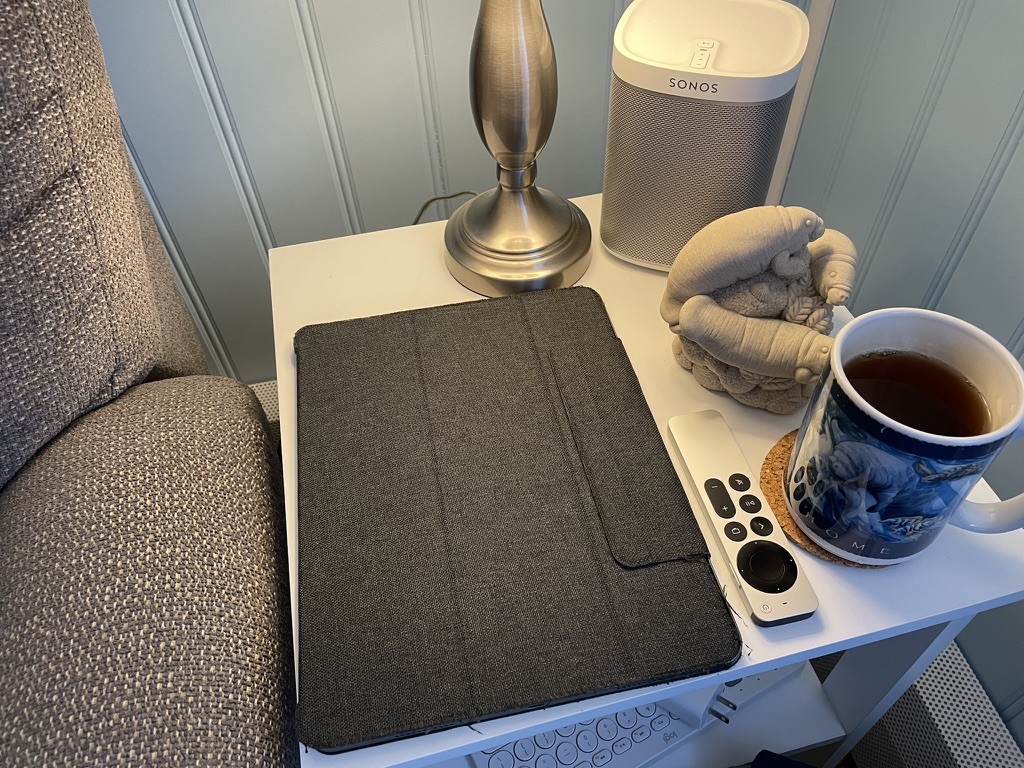
This might sound like a whinny complaint but the bulky nature also interferes with web surfing comfort. Merely holding the device for a long time can get annoying. Usually, I have to rest it against something for extended use. Basically, it feels like I’m carrying around a laptop-sized device.
I do want a less encumbered experience. So, I thought I would try out an iPad mini (6th Generation). There are plenty of positive reviews to read or view. I don’t think that the processor will hold me back. I do run some demanding apps, like Procreate and LumaFusion. I doubt that will be a limiting factor as they run fine on lower spec’d hardware.
Looking at a mini might sound odd since I originally wanted more screen estate from the 11” Pro I previously owned. That requirement is filled by the 12.9” Pro but, again, comes at the cost already mentioned. There are also the times where the Pro did not fulfill expectations. It really isn’t a laptop replacement right now.
The Chosen Model
This all means I need to do some hands-on research. I want more of an experience than going to a store and holding one for a few minutes. That is not enough to make a decision. I need to actually purchase one, take it home, and give it some realistic, daily use testing.
After going to the local stores, I decided to go with the 256GB iPad mini. I do some work with Cloud-based tools so storage does not need to be huge. I also have a good amount of games installed so I thought getting the larger storage will give me room to grow.
I did not go for the cellular option. I’m always near some form of personal, private WiFi. I also have my iPhone nearby and that hotspot works well. This has been my choice for years with previous iPads. It works well and saves a good amount of money.
There are also different colors I can pick from. Space Gray is fine for my tastes. If someone wants a more flashy color to show their personality, more power to them.
With the mini purchased, it’s time to take it home and get to some fun!
Unboxing
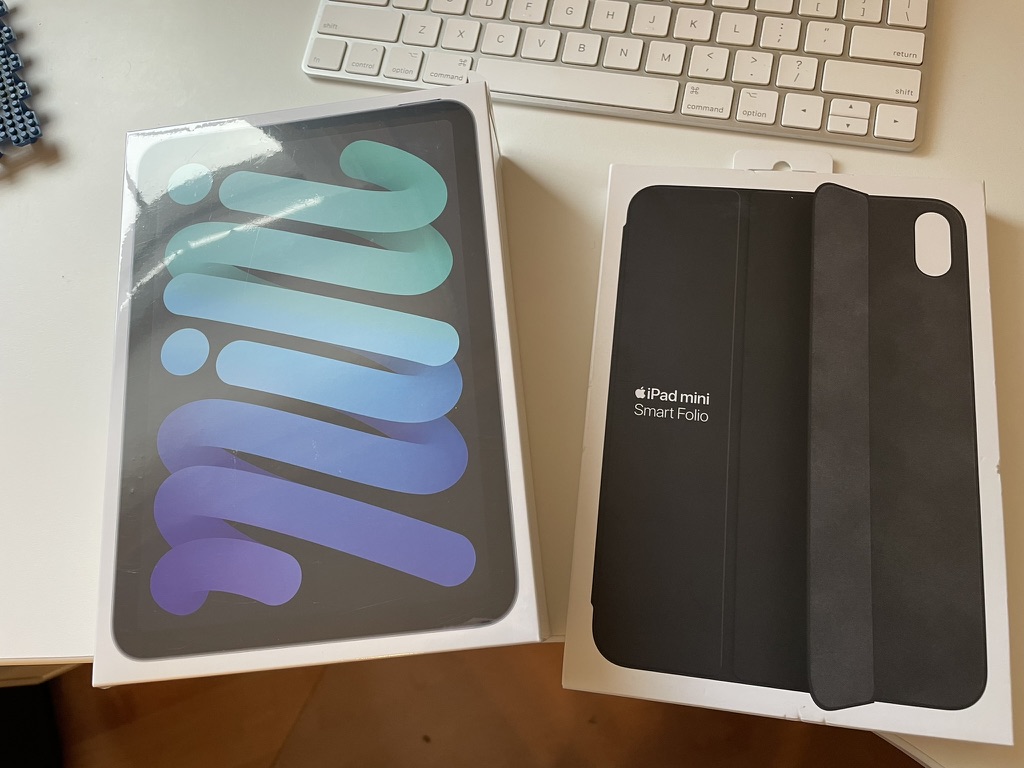
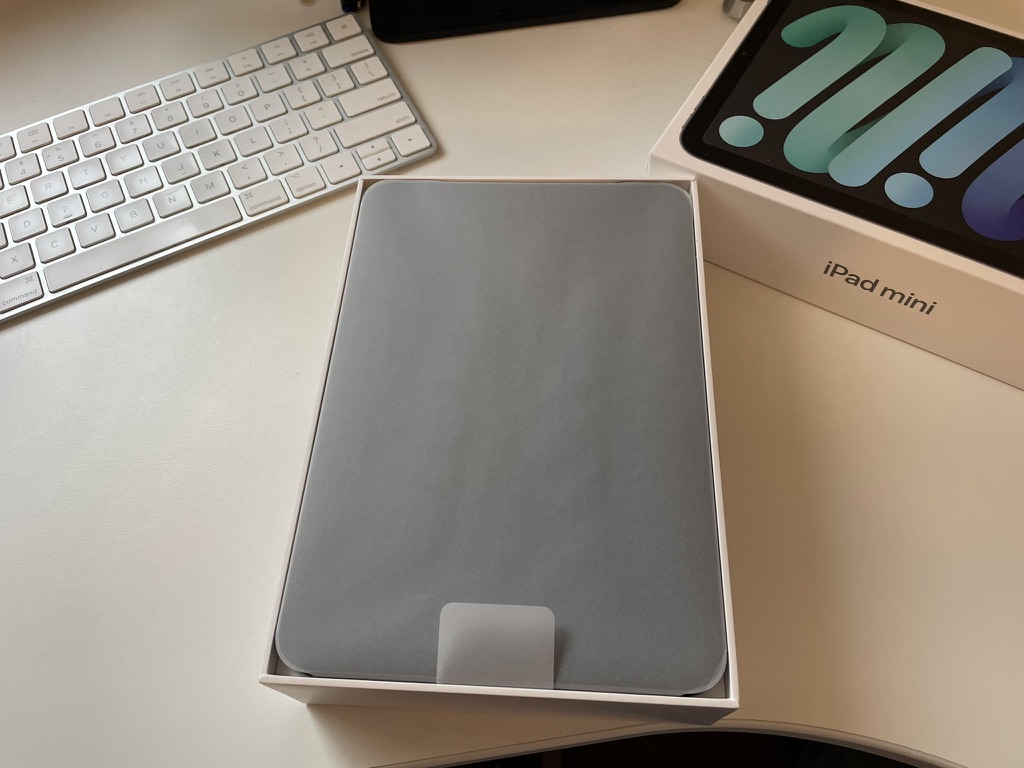
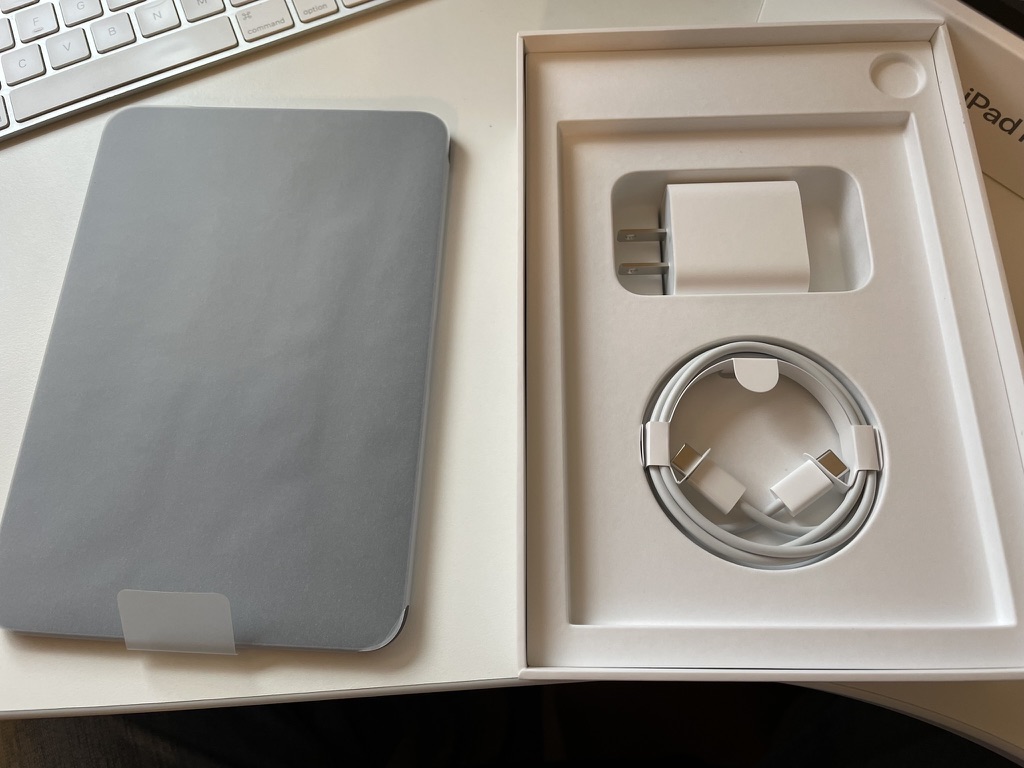
Let’s get to unboxing. This is always exciting. There is something of an emotional experience when removing the protective material that cannot be put in words.
Side by Side
Let’s get to the good stuff with a side by side with the 12.9” Pro. It’s instantly noticeable how much lighter the mini is to the Pro.

The thickness seems the same. The mini’s is listed at 0.25 inch (6.3 mm) in thickness. The Pro is 0.25 inch (6.4 mm) in thickness.
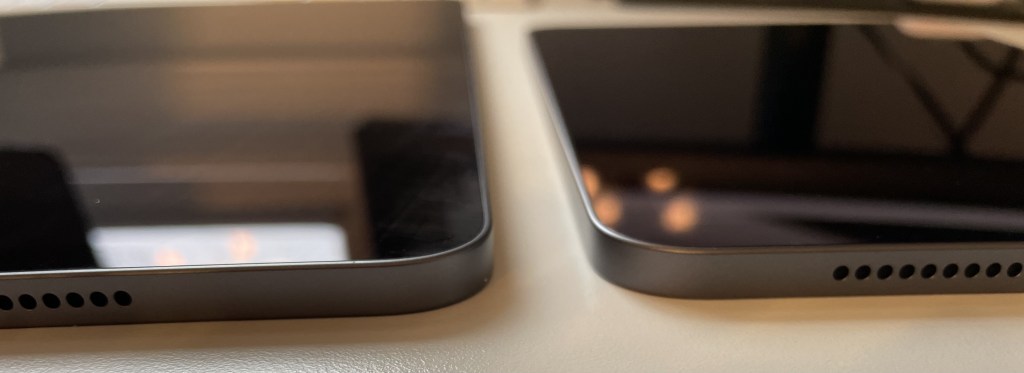
As seen, the size difference is more than significant. During setup, I started to notice the difference in how everything is displayed on the screen.

Those icons look small along with the text. I adjust the visual settings with good results. Does this fit on the side table better?
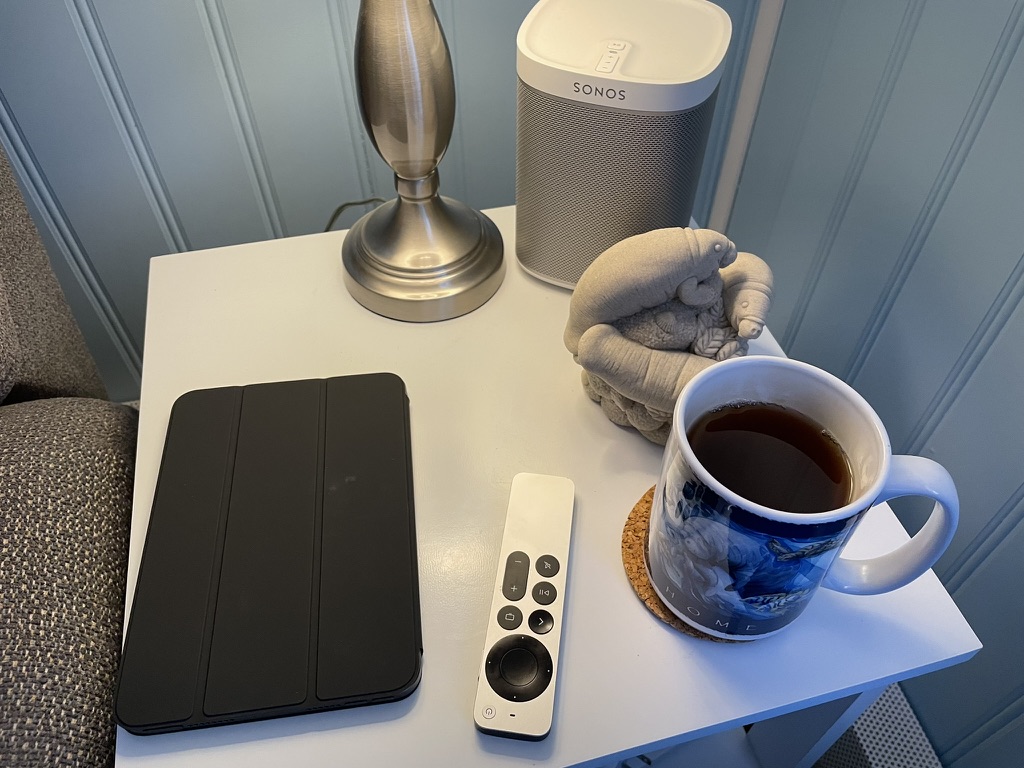
As you can see, I went with a simple, black cover from Apple. If I keep it, I’ll consider a more protective version. I do have the Paperlike’s Charcoal Folio for the Pro. It’s nice but frays easily.
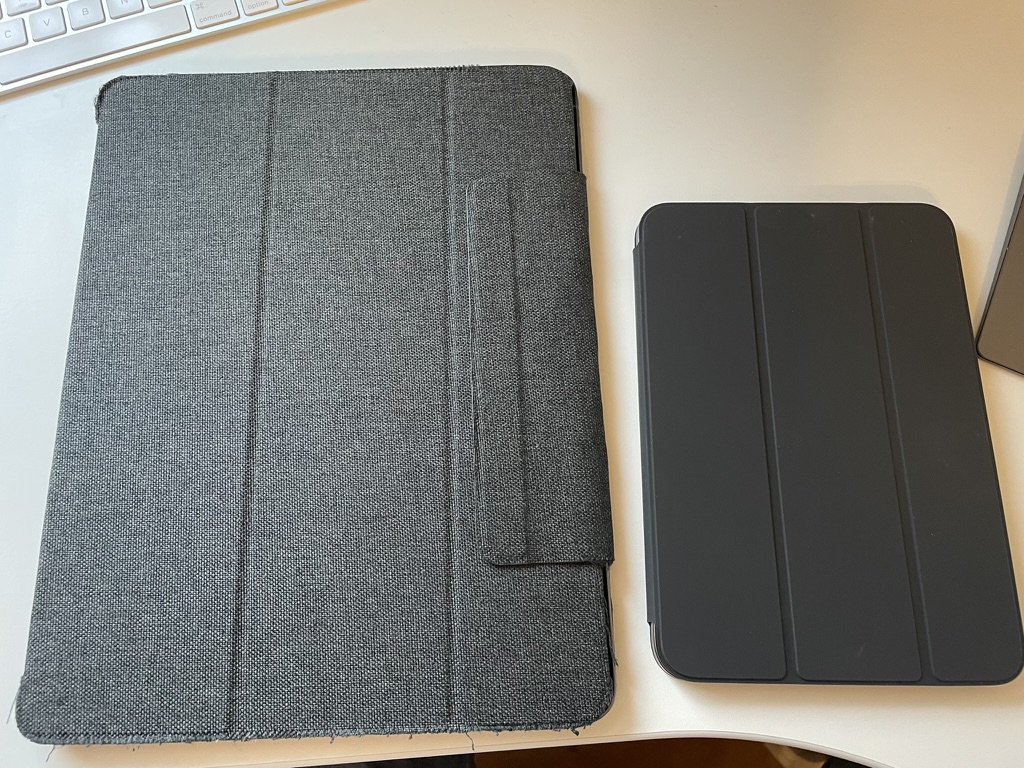
So far, so good. Let’s continue.
Feel and Comfort
Holding the mini is a delight. It is so lightweight! The mini weighs 0.65 pound (293 grams) while the Pro weighs 1.5 pounds (682 grams). That might not sound like much until you use it for a long length of time.

It also fits just right in the hand. I have also proven it fits into a cargo pants pocket. Now, compare this to the 12.9” Pro.
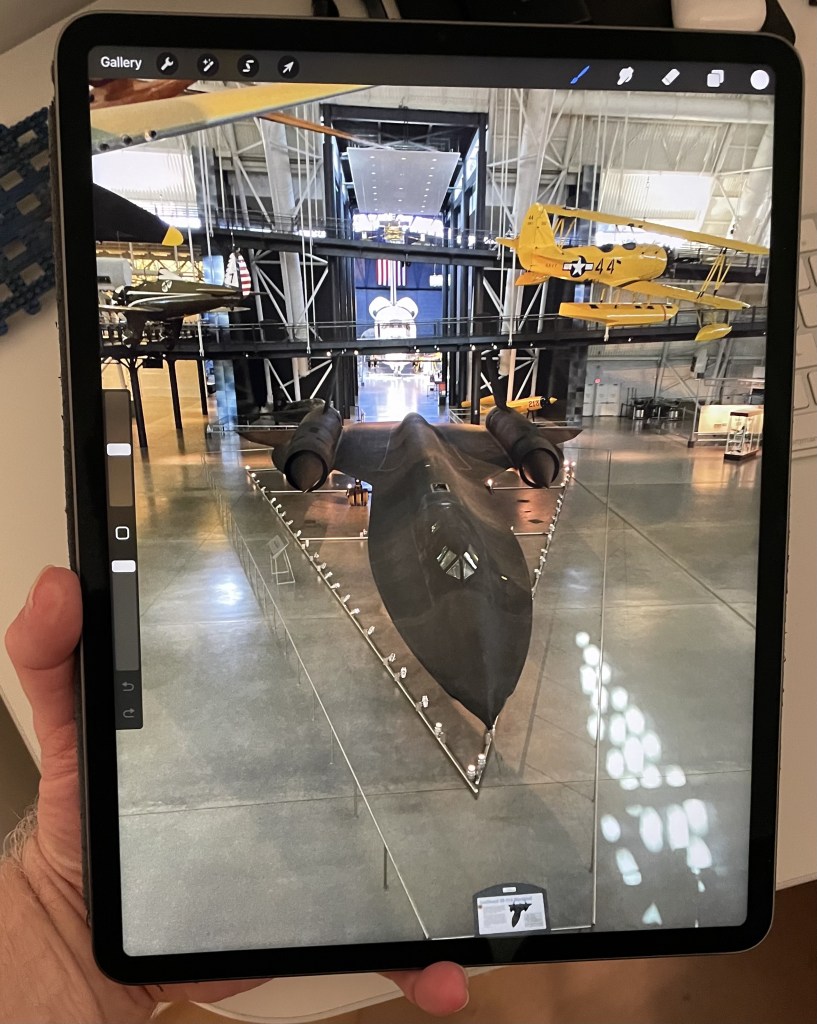
Certainly, that is bigger and heavier. There are definitely some positives to a larger screen when doing video and photo editing. Still, I have a MacBook Air that I prefer for that type of work. Most of the time, the iPad is used for documentation/productivity apps.
External Monitor
One thing the Pro is great at is with external monitor support. I can plug it into a large monitor and the screen scales out nicely. The same external monitor support cannot be said about the mini.
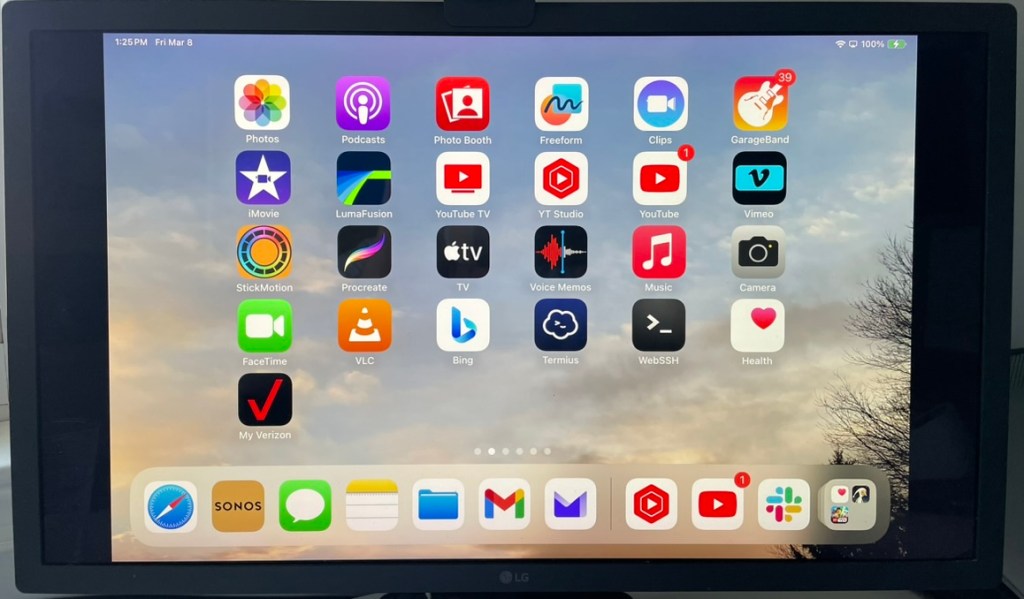
That’s a point for the Pro. It is true that I usually use the MacBook Air with this monitor. Eventually, I’d like a simple and single device that does it all without bulk and weight. I hope that as iPadOS grows that more functionality is added here. Right now, the mini does not meet that requirement.
Too mini?
There is no doubt that this is a small screen. Does that mean it is too small? I think that depends on the functionality the individual wants. For productivity apps, it is more than acceptable. I can edit various documents on it without issue. I can even use various coding apps on it1.
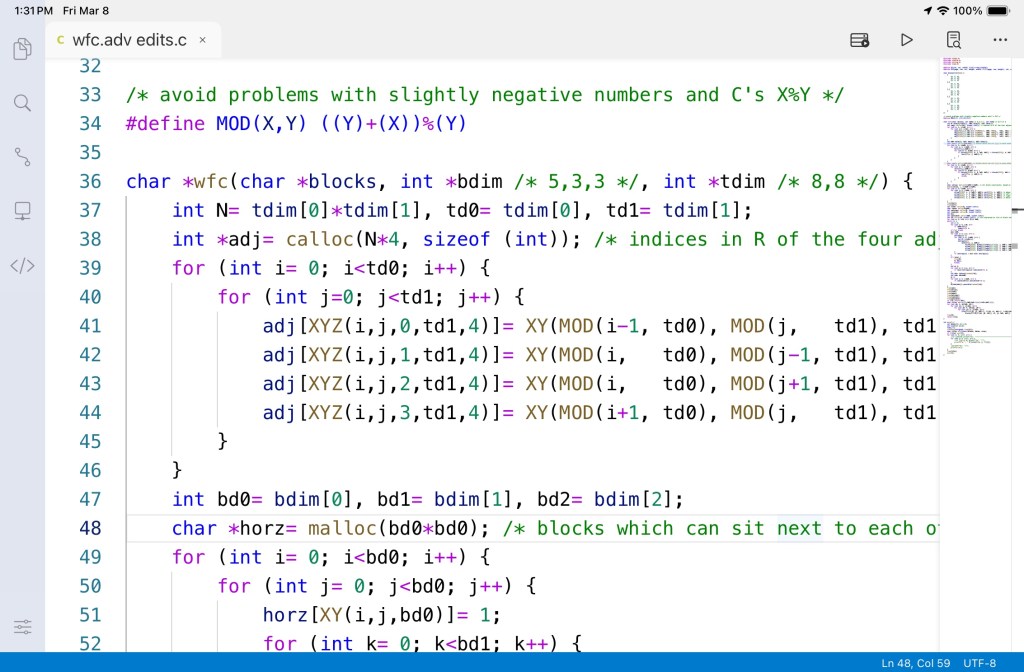
The bigger screen on the 12.9” Pro is nicer to work on with spreadsheets and various media, though. Fortunately, the lightweight and comfort more than cover the minuses of a small screen.
iPad Pro mini
There is talk of future version of the iPad mini with a more powerful chip. The current version has the A15 Processor. It is more than capable of running productivity apps. A M1 or greater would bring it a bit more in the advanced level. That would also enable scaling on an external monitor. Then, it has some great possibilities of being an all-in-one device. I can use it for its portability anywhere I go. When larger screen estate is needed, I would be able connect to an external monitor. That’s a benefit that is hard to resist.
Keep or Return It?
Once the dust settles, I am going to keep the mini. The dust is actually settling on the Pro. The smaller, lightweight features of the mini provide a better user experience. If an iPad mini does get released with a M1 (or they enable better external monitor support) along with an increase number of Pro apps, that would be ideal. For now, I will keep both and hope for better functionality via iPadOS updates.
*Note: As I write this, Apple is busy at work. One of the big complaints about the Pro is that there are few, true Pro apps. This might change but we do not know for certain. I hope that tools such as Xcode come to light. Even more, the ability to load macOS apps would enable certain 3rd party software to be used. At that point, it’s almost a given I will be upgrading.

References
Used this C Code in screenshot:
[1] Author Unknown. Wave function collapse. Retrieved from: https://rosettacode.org/wiki/Wave_function_collapse
 Andy’s Neural Works
You must be logged in to post a comment.